

Hoco GA22 Eagle Mobile Game Trigger Buttons (2PCS) – Metal Dual Shooting Controller Clip for PUBG, COD, Free Fire
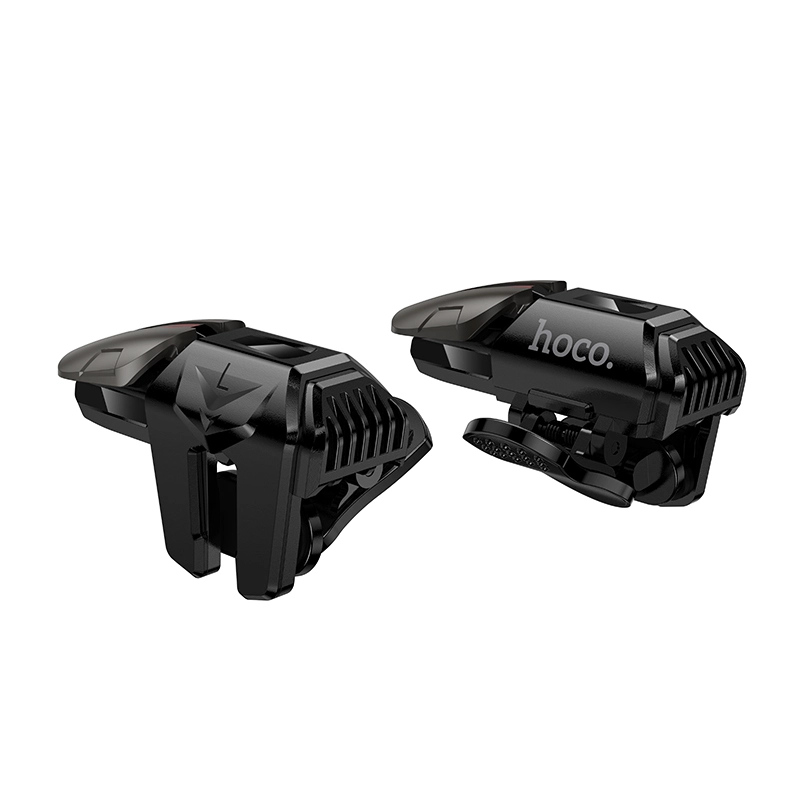
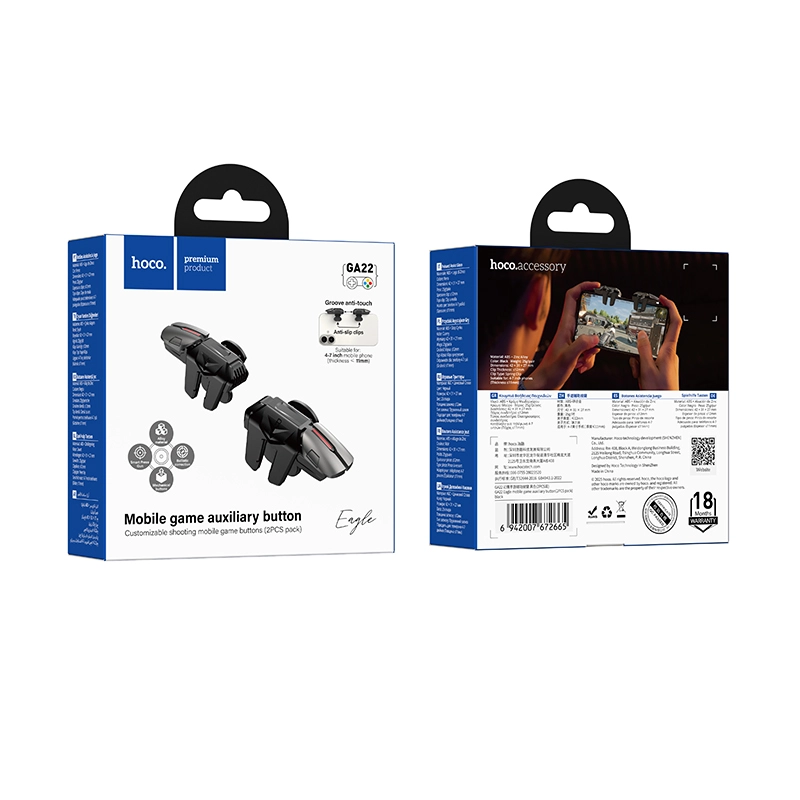
- Material: ABS + zinc alloy for durability and grip
- Size: 42 × 31 × 27mm
- Weight: 25g per pair — barely noticeable in hand
- Clip thickness: ≤ 12mm
- Clip method: Elastic spring clip (no tools needed)
- Phone compatibility: 4–7 inch phones with a body thickness ≤ 11mm
- Button type: Alloy mechanical dual button
- Best for: Shooting and FPS-style mobile games
৳690 ৳1,000
Hoco GA22 Mobile Game Trigger Buttons: Your Shortcut to Faster Kills
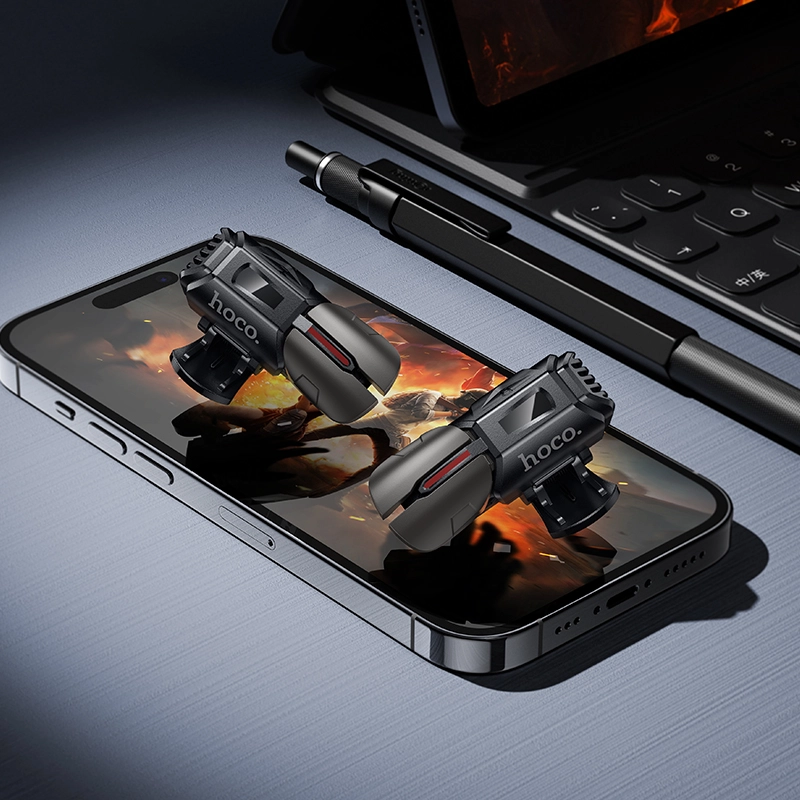
If you’re searching for Hoco GA22 mobile game trigger buttons that actually give you an edge in shooting games, the Hoco GA22 Eagle 2-pack is built exactly for that. These compact alloy triggers clip straight onto your phone and turn your screen into a responsive, console-style controller — no charging, no pairing, no lag.
Below, we break down everything you need to know before you buy, from specs to setup, so you can decide if these mobile game trigger buttons are the right fit for your gaming setup.
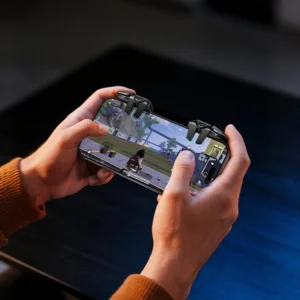
Table of Contents
- What Are the Hoco GA22 Mobile Game Trigger Buttons?
- Key Specifications
- Why Gamers Choose These Mobile Game Trigger Buttons
- Compatibility: Does It Fit Your Phone?
- How to Install Your Trigger Buttons
- Best Games to Use With This Accessory
- Care Tips for Long-Lasting Performance
- Final Verdict
1. What Are the Hoco GA22 Mobile Game Trigger Buttons?
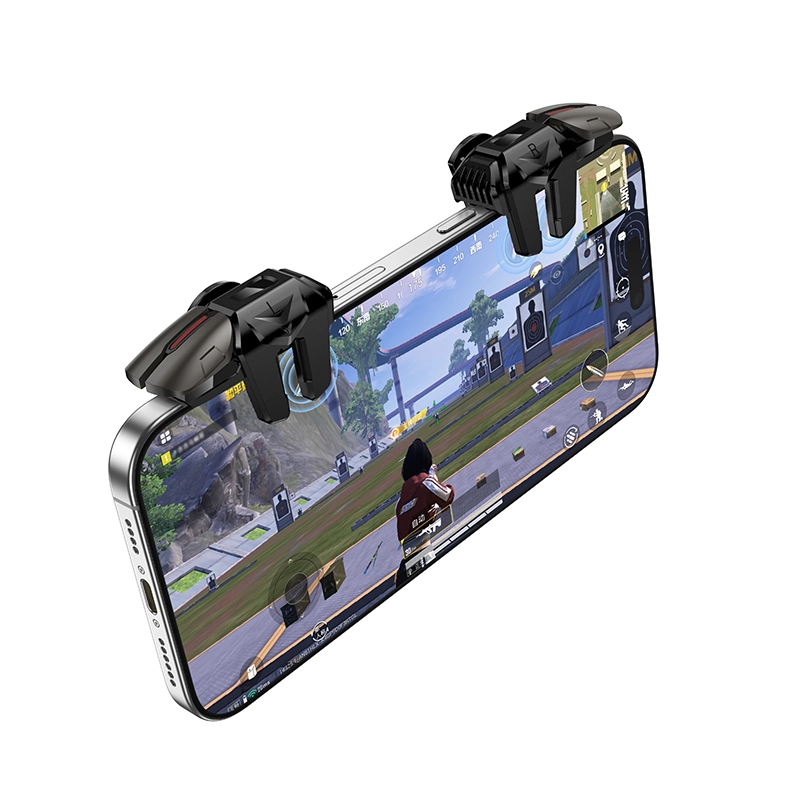
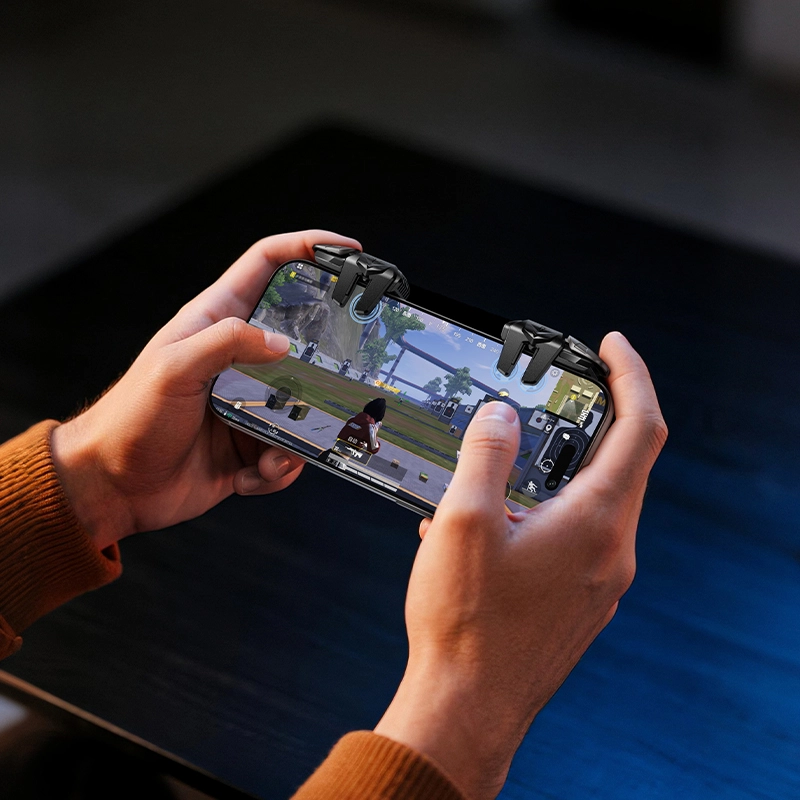
The Hoco GA22 mobile game trigger buttons designed to replace your thumbs for shooting and aiming actions. Instead of tapping the glass screen — which is slow and often blocks your view — you use your index fingers to press physical mechanical buttons clipped to the top of your phone.
This is the same concept used by professional mobile esports players in titles like PUBG Mobile (Peace Elite), Call of Duty Mobile, and Honor of Kings.
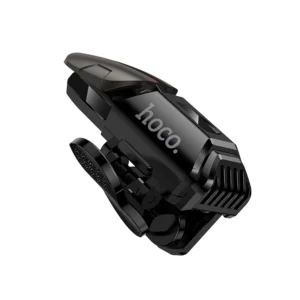
2. Key Specifications of Hoco GA22 Mobile Game Trigger Buttons
Here’s a quick look at what’s inside the box:
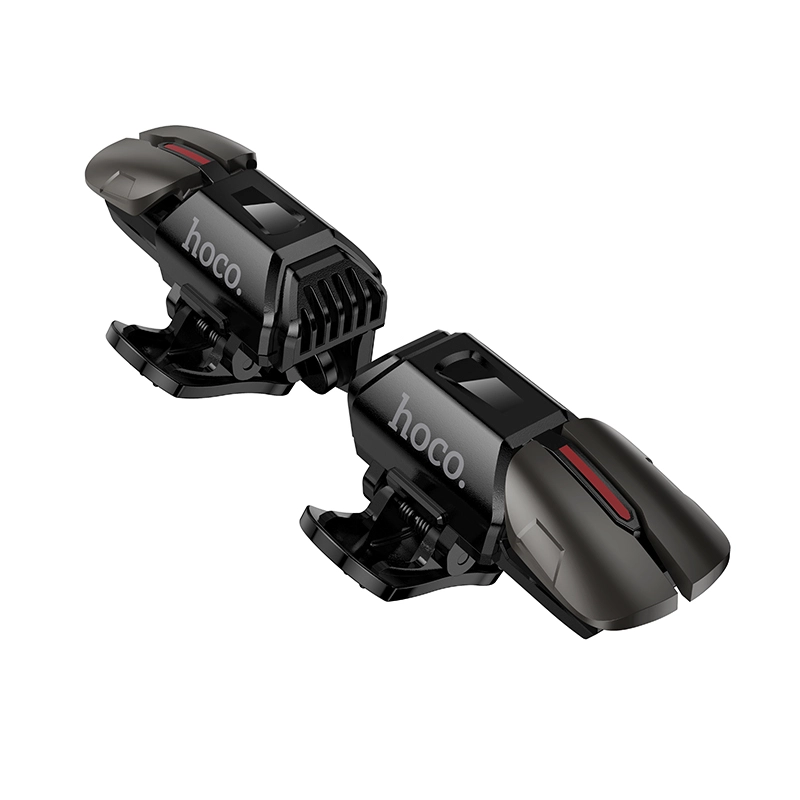
- Material: ABS + zinc alloy for durability and grip
- Size: 42 × 31 × 27mm
- Weight: 25g per pair — barely noticeable in hand
- Clip thickness: ≤ 12mm
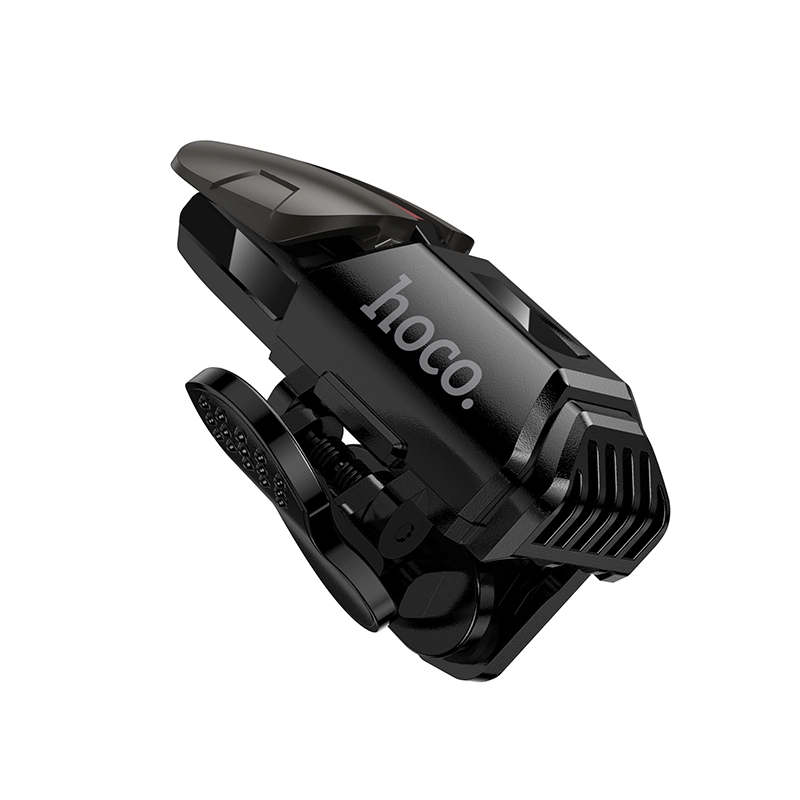
- Clip method: Elastic spring clip (no tools needed)
- Phone compatibility: 4–7 inch phones with a body thickness ≤ 11mm
- Button type: Alloy mechanical dual button
- Best for: Shooting and FPS-style mobile games
These specs make the Hoco GA22 one of the more versatile mobile game trigger buttons on the market, since it isn’t locked to a single phone brand or screen size.
3. Why Gamers Choose These Mobile Game Trigger Buttons
Faster reaction time. Physical buttons register presses faster than touchscreen taps, which matters when a fight is decided in milliseconds.
No screen obstruction. Your fingers stay off the display, so you always have a clear view of your target.
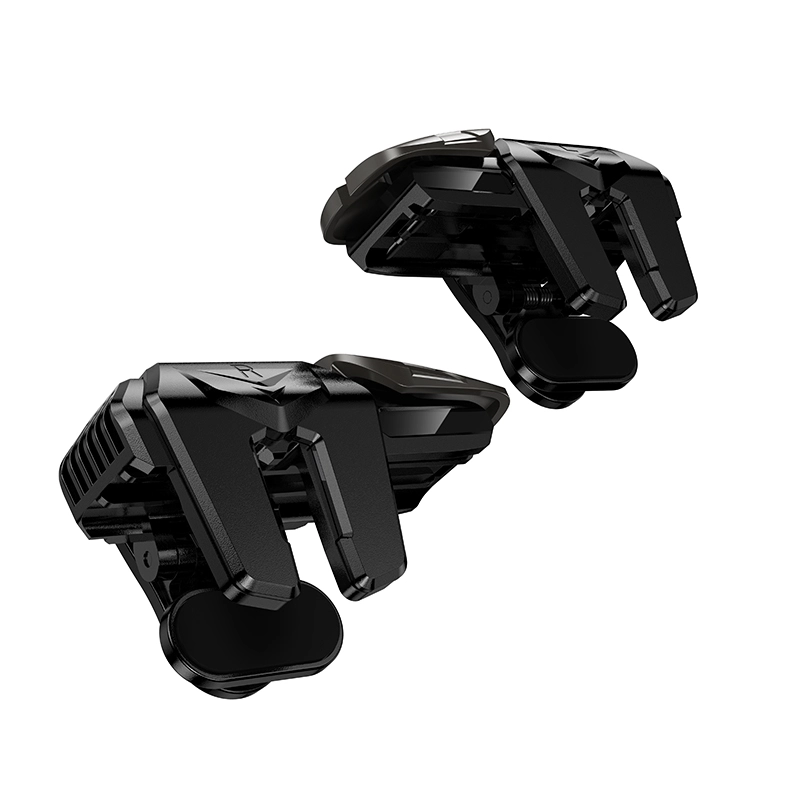
Dual mechanical action. Each unit has two buttons, letting you map fire and aim (or fire and scope) separately for smoother combos.
Budget-friendly. Compared to full gaming controllers, a set of clip-on mobile game trigger buttons costs a fraction of the price while solving the same core problem — slow touch response.
4. Compatibility: Does It Fit Your Phone?
Before ordering, check two things:
- Your phone screen size is between 4 and 7 inches.
- Your phone (with case, if you use one) is 11mm thick or less.
If your phone falls within that range, the elastic clip will hold these Hoco GA22 mobile game trigger buttons securely without slipping mid-match.
5. How to Install Your Trigger Buttons
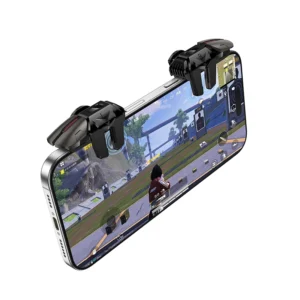
- Open the elastic clip on the trigger unit.
- Position it over the top corner of your phone, aligning the button with the on-screen fire/aim zone.
- Release the clip so it grips the phone body.
- Repeat with the second unit on the opposite corner.
- Open your game and adjust the touch-control hotspot so it lines up with the physical button.
Setup takes under a minute, and once configured, your Hoco GA22 Mobile Game Trigger Buttons stay in that position for every future session.
6. Best Games to Use With This Accessory
These triggers are optimized for shooter-style control schemes, including:
- PUBG Mobile / Peace Elite
- Call of Duty: Mobile
- Honor of Kings
- Free Fire
- Any game with a customizable fire/scope button layout
7. Care Tips for Long-Lasting Performance
- Wipe the alloy clips with a dry cloth after sweaty sessions to prevent corrosion.
- Avoid over-stretching the elastic clip on phones thicker than the rated 11mm.
- Store the pair in a small pouch when traveling to protect the mechanical button mechanism.
For a broader look at how tactile input devices affect gaming performance, see this overview from TechRadar on mobile gaming controllers and this breakdown of touch-latency research from Android Authority.
If competitive mobile shooters are part of your routine, the Hoco GA22 mobile game trigger buttons are a low-cost, high-impact upgrade. They’re light, easy to install, and compatible with most phones between 4 and 7 inches. For the price of a coffee, you get a noticeably faster, more precise way to play.
Ready to upgrade your setup? Browse our full range of mobile gaming accessories and pair these triggers with a cooling phone clip fan for marathon gaming sessions.
| Weight | 0.15 kg |
|---|
Based on 0 reviews
Be the first to review “Hoco GA22 Eagle Mobile Game Trigger Buttons (2PCS) – Metal Dual Shooting Controller Clip for PUBG, COD, Free Fire”
Related products
-
Wireless Earbuds Price in BD, All Products, Audio Devices
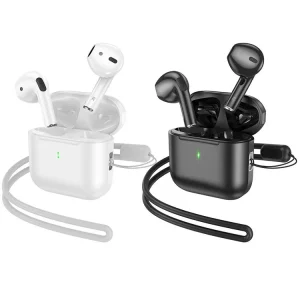
Hoco EW53 Lucky True Wireless Bluetooth Earbud
 Wireless Earbuds Price in BD, All Products, Audio Devices
Hoco EW53 Lucky True Wireless Bluetooth Earbud
- Bluetooth 5.3; chip: JL AC6983
- Battery capacity: charging compartment 250mAh; Headphones 30mAh
- Use time: 4 hours; Standby time: 150 hours
- Size: 44*44*21.5mm; Total weight: 35g
- Support master-slave switching, up and down switching, summoning Siri, binaural call, pressure-sensitive operation, with lanyard
SKU: hocobdPR82894 -
Accessories, All Products, Audio Converters
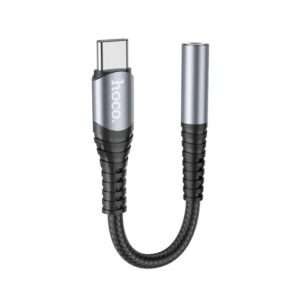
Hoco LS33 Type-C 3.5 Audio Converter
- Material: aluminum alloy + braided wire
- Length: 12cm, weight: 5g
- Connector: Type-C male to 3.5mm female
- Support microphone; support line control
- Support most models of Huawei, Xiaomi, OnePlus and other brands, support some models of Samsung mobile phones, and support iPad with Type-C interface.
SKU: hocobd8DA1ZT8 -
Accessories, All Products, Cable, Charging & Data Cables, Type C Cable, USB Cable
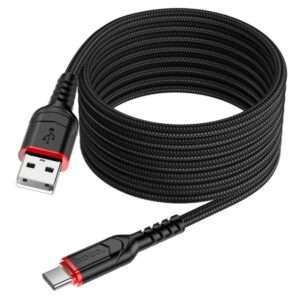
Hoco X59 Fast Charging Type C Data Cable 2M
 Accessories, All Products, Cable, Charging & Data Cables, Type C Cable, USB Cable
Hoco X59 Fast Charging Type C Data Cable 2M
- Model: X59 Victory USB Type C Fast Charging Cable
- Length: 2m; Weight: 59g
- Outer material: nylon braid
- Model: X59 Victory USB Type C Fast Charging Cable
- Length: 2m; Weight: 59g
- Outer material: nylon braid
- Joint material: TPE extended mesh tail
- Wire core: (43/0.08)*2C+(16/0.08)*2C OD4.4mm
- Support 3A charging
SKU: hocobd9YVH42T

There are no reviews yet.